Windows guide
Video Converted but the Output File Is Missing?
Find the actual destination from the finished job and distinguish a completed file from a conversion that stopped early.
Download All Free Video ConverterWindows 10/11 (64-bit) · 2.07 MiB online installer. Internet required to download program components.
Read the item’s status
Look for the specific file in the queue. If the row says Completed, use Open output for that row, or Open output folder. If you had multiple items with similar names, check the file's extension, duration and modification time in Explorer.
Check your next destination in Save to
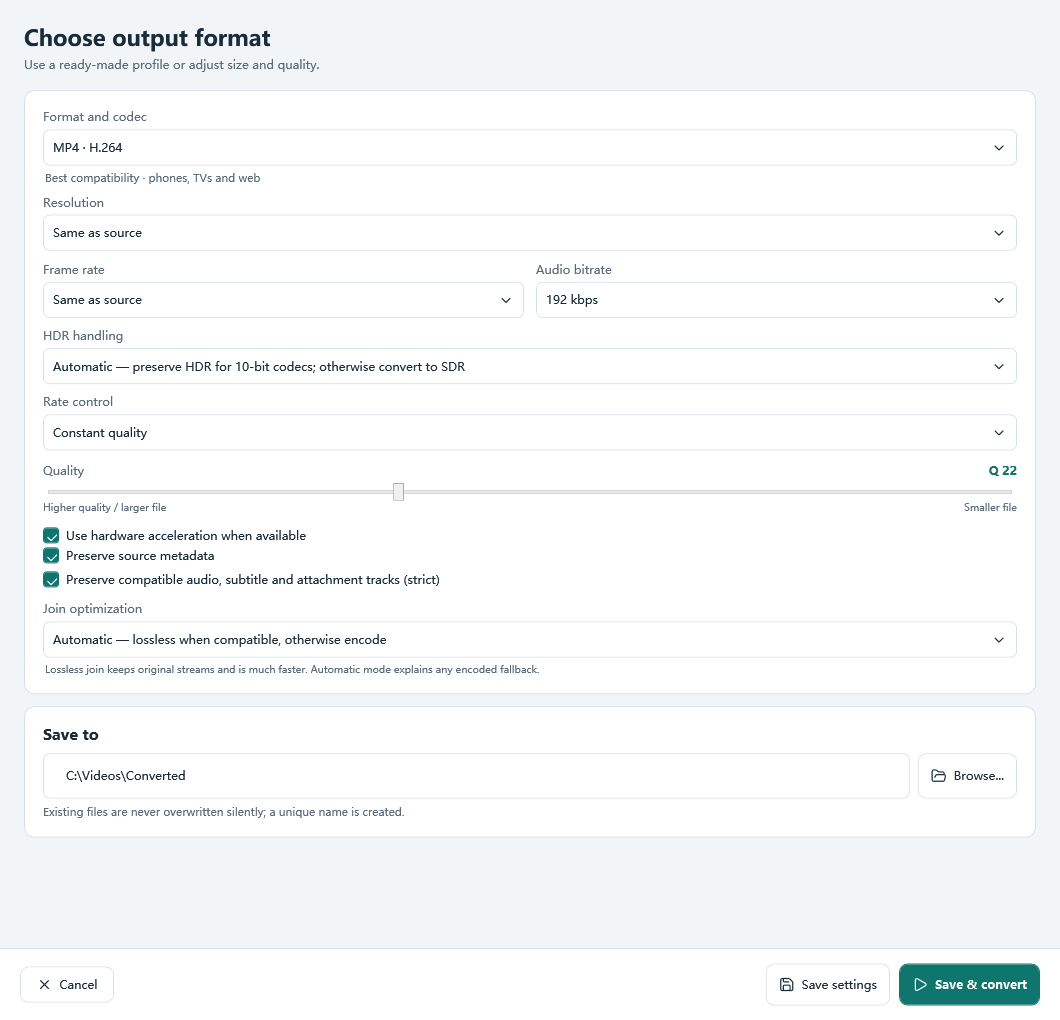
Open Output settings and check the full path under Save to. Choose a recognizable local folder using Browse... and save the settings. A drive letter used by an external disk may be different after reconnecting it.
Keep failed and completed jobs separate
If the row never reaches Completed, a partial file in Explorer may not play. Convert one file into a writable local folder with free space, then watch for the status change and open the result from the queue. A batch can contain both successful and failed items.