How to use Free YouTube to 3GP Converter
Save a YouTube video as a 3GP file for a compatible phone or player. Download All Free YouTube Downloader for Windows 10/11 (64-bit), add a readable video link, and choose 3GP before converting.
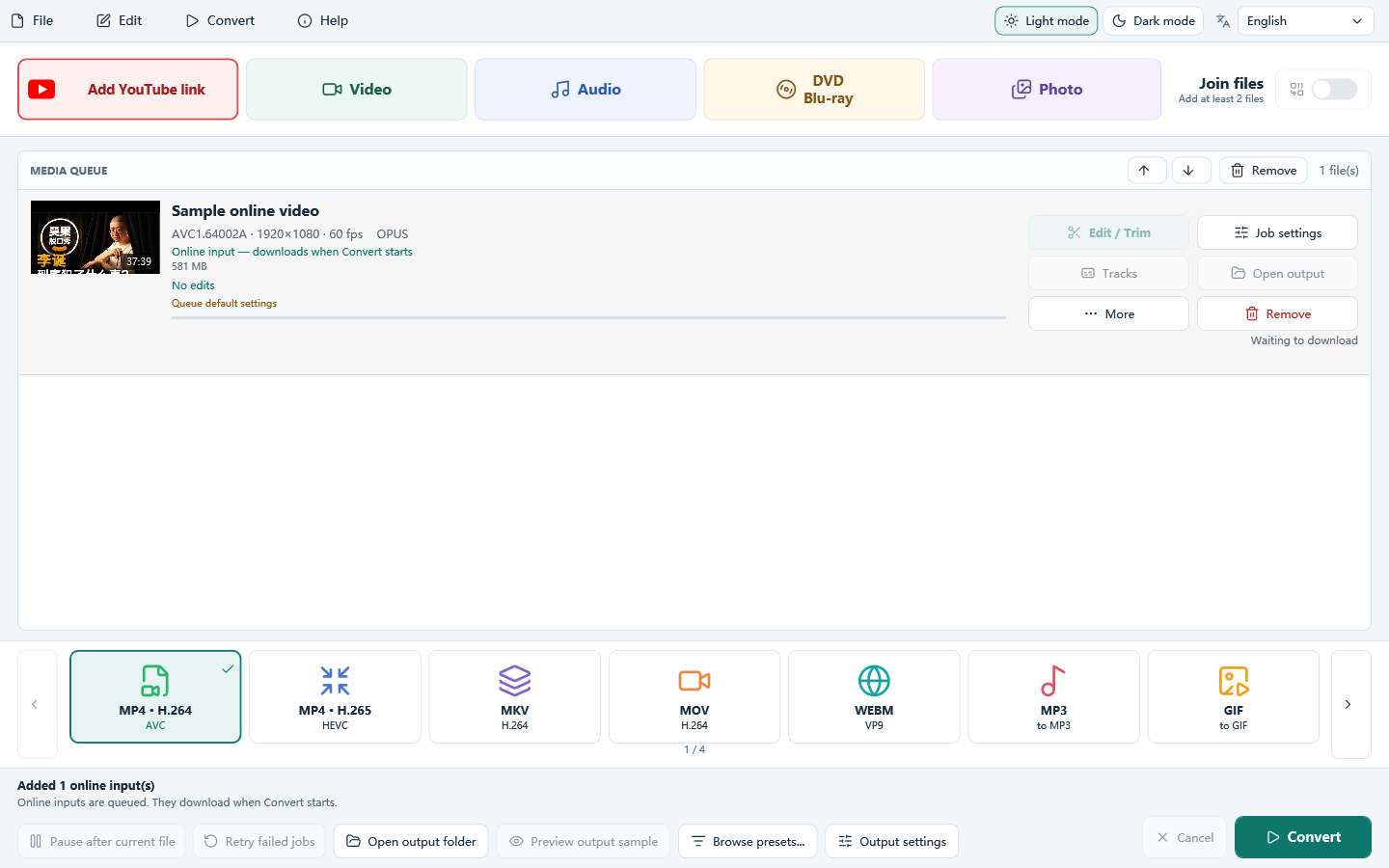
Do it in 3 steps
The screenshots are from the current program.
Install and add a YouTube link
Install All Free YouTube Downloader on Windows 10/11 (64-bit). Open it, click Add YouTube link, and paste a video link you are allowed to save.
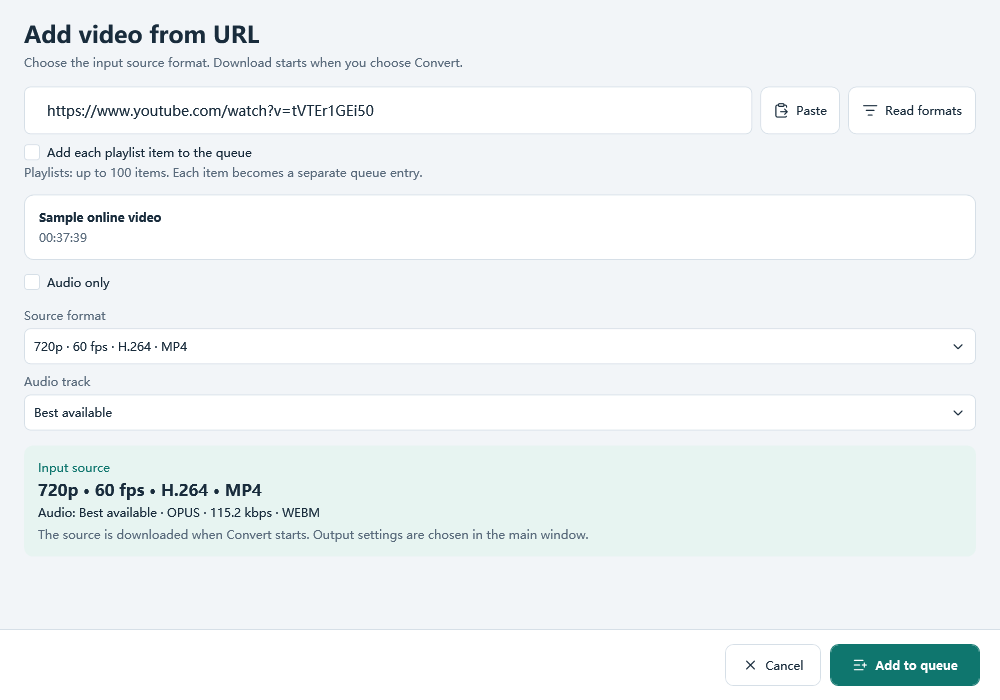
Choose a readable video source
Keep Best available quality or choose another listed video source, then add it to the queue. The sources depend on the video and what the program can read. Do not choose audio only when you need a video file.
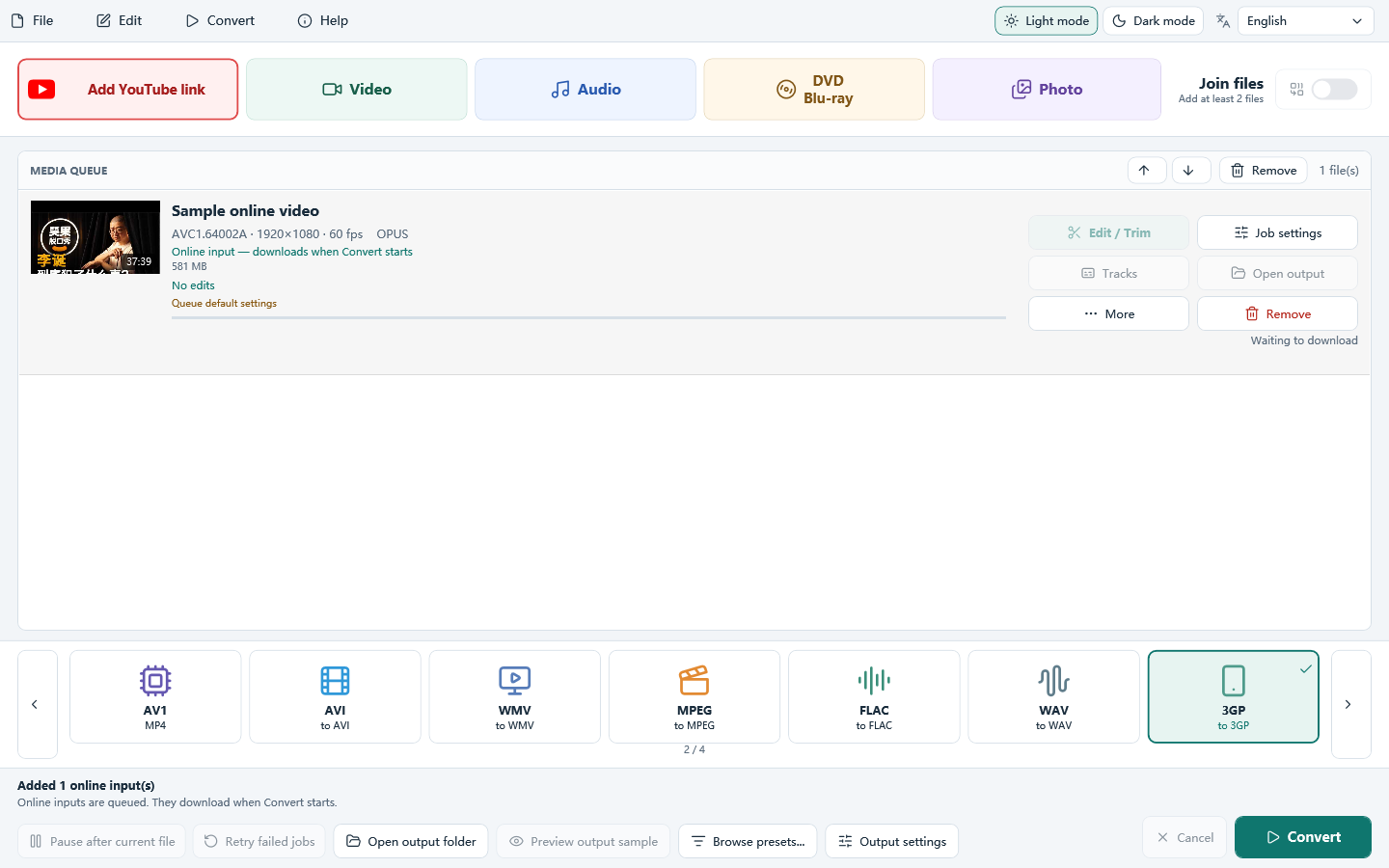
Choose 3GP and click Convert
Select 3GP on the main window and check the output settings and folder. Click Convert to download the selected source and create the 3GP output. Source selection and output format are separate choices.
Download only videos you own or have permission to save, and follow YouTube’s Terms of Service. The program does not bypass DRM or other access controls. A public link works only when the download module can read it.
Choose a 3GP file your device can play
Choose settings for your device
A .3gp extension alone does not guarantee playback. Check the device’s supported video codec, audio codec, resolution and frame rate. This program’s 3GP output uses H.264 video and AAC audio; some older phones require different codecs.
Source quality and output size are different
Read formats lists the sources currently available for a video. You do not need a 144p source to make a smaller 3GP output. Choose a readable video source, then set the output resolution separately; a specific YouTube source resolution is not guaranteed.
Control the file size
Use a target file size when storage or sharing limits matter, or an average bitrate when you need a predictable data rate. A lower bitrate saves space but can soften details. Keep a short test clip before converting a long video.
Before you convert the whole video
- The phone will not play the result? Check its codec requirements as well as the .3gp extension. Test the result on that device before transferring a full batch.
- Read formats finds nothing? Check that the link opens in your browser. Private, removed, restricted or unsupported links may not be readable. Try another video you are allowed to save; output settings cannot fix a source-reading error.
- The result is too large? Use a lower average bitrate or a smaller target size. Shortening the clip also reduces the amount of video to store.
Related guides
Download All Free YouTube Downloader
How to use Free YouTube to 3GP Converter