What does All Free Video to Android Converter do?

All Free Video to Android Converter is video converter freeware
specially designed to convert videos, movies, HD videos, YouTube
videos, music videos, etc. to your Android compatible formats and
resolutions.It also can convert the whole video in one batch with
various compression solutions, no quality loss, no sound off, no
freezes, no error messages and no blank screen.
To make iPod video conversion easier, all you need to do is to install
and launch this converter & follow the instructions.
How does it work in detail?
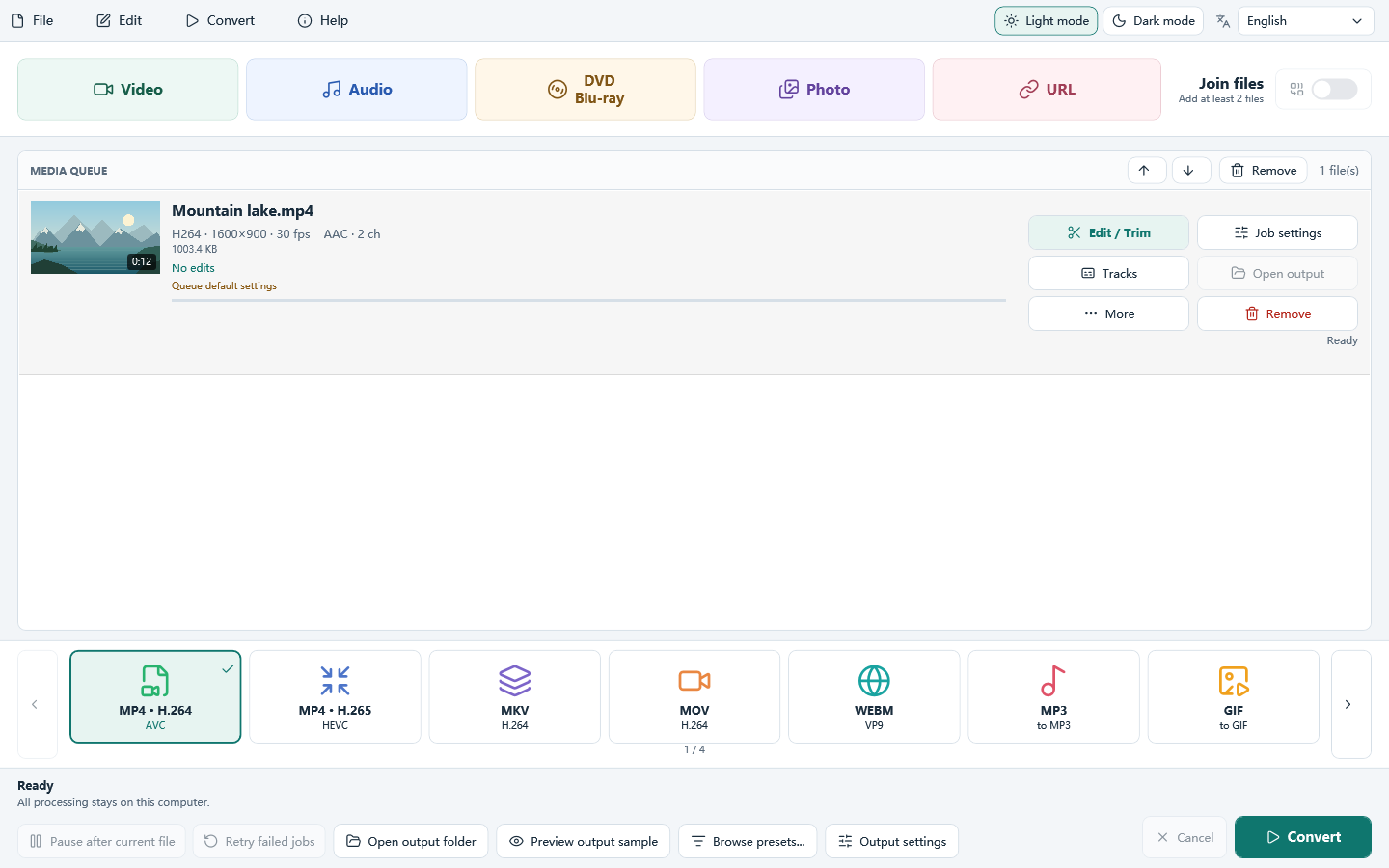
1. add media files to conversion list
By "Add Video..." button, you can activate a browser window to find and input the video/audio files to be converted. You can add one or more files in one batch. The detailed information of the added files can be viewed. You can use "Delete" to remove selected file from the list; or use "Clear" to remove all listed files. "Move Up/Down" is used to arrange the sequences & you can also drag the listed files to change the order. There's a "Play" button to play the selected file with the media player in your system.
2. output settings and quality adjustment
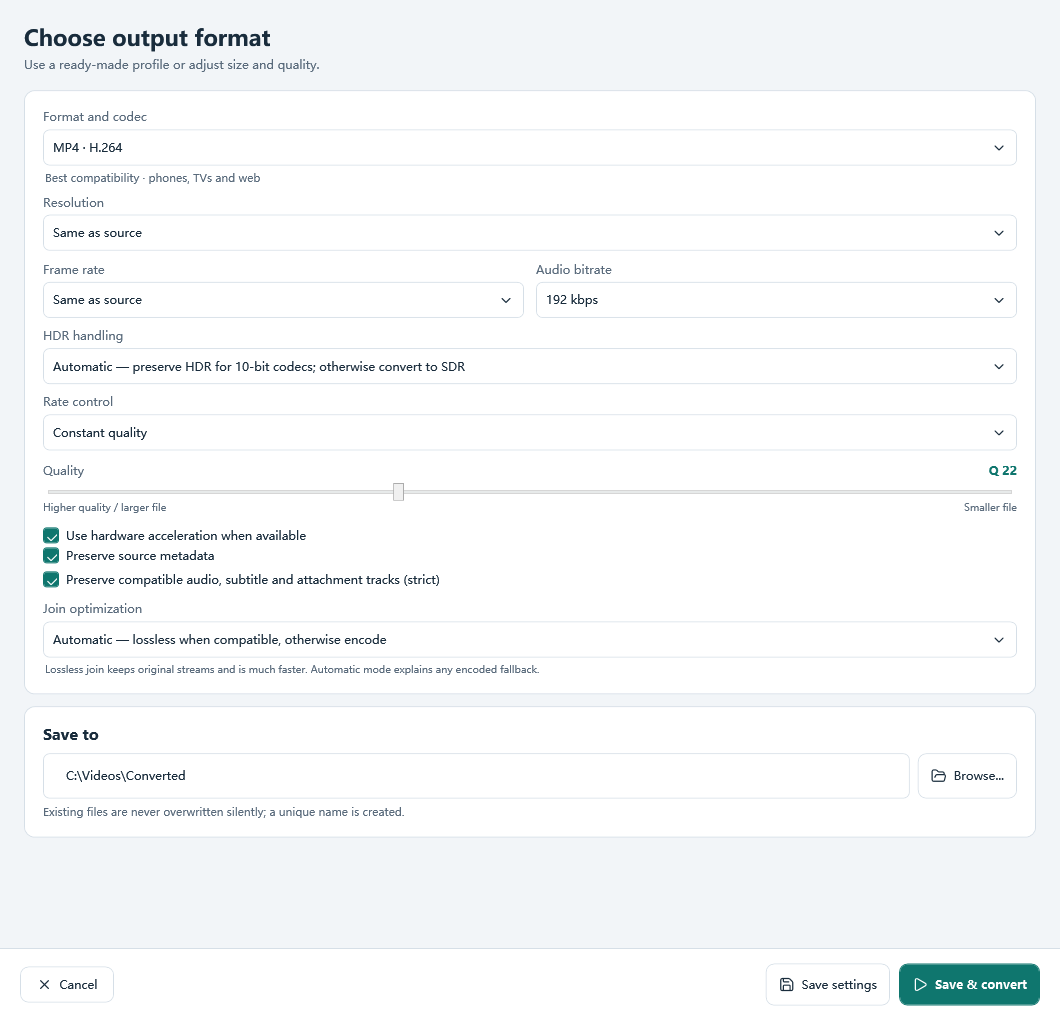
Select a location to store the output files. We provide 3 tags
for output formats: Video, Devices & Audio. Each tag has many
buttons of output formats and you just need to choose one in the
right tag.
Video: AVI, MP4, FLV, SWF, MPEG, RM, WMV, MOV & 3GP
Devices: iPod, iPhone, iPad, Apple TV, PSP, Black Berry, Mobile
Phone & Android
Audio: WAV, MP3, WMA, OGG, AAC, M4A, FLAC & MP2
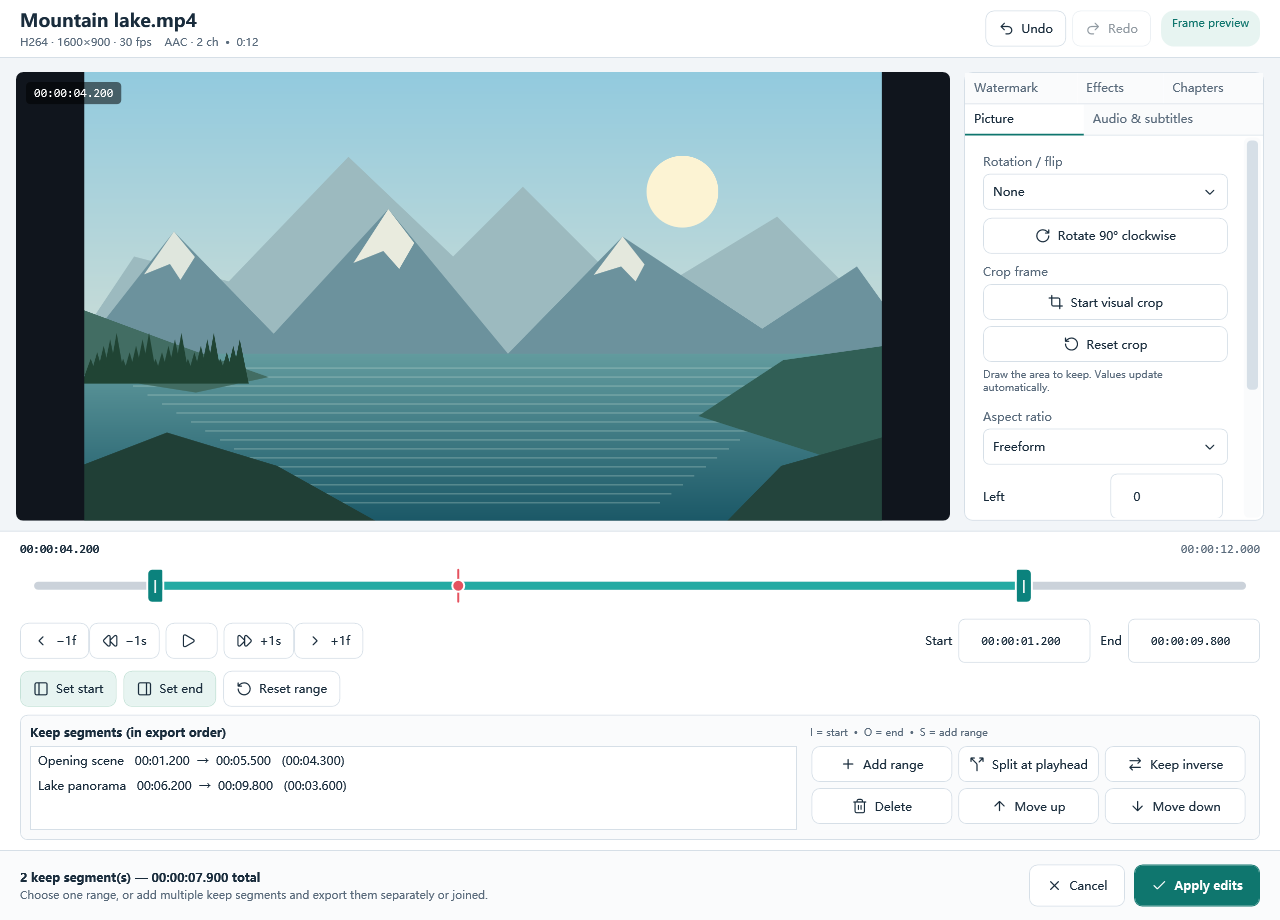
Then, if you want to adjust the output quality, you should activate
the "Presets" list, in which we provide many well-configured
quality presets for every format. After you choose a preset, you
can click "Back" to go back to add more files or "Convert"
to start the conversion.
3. processing
After you hit "Convert" button, the
program will immediately perform the conversion. You can view some
progress information as well as a process bar. During the progress,
you may click "Cancel" to stop the conversion. There are
also post process options to play a sound to remind you/shutdown
the computer when the conversion is finished.
You can see a brief report after conversion. You don't have
to remember where you output the file as we provide an "Open
folder" button to directly open the output location. If professional
analysis is needed, you can click "Log" to view the log
information, which can be saved as a .log or .txt file.
That's it. No cost, no registration, no malware & no complicated operation.