All Free Video Converter

All Free Video Converter on Windows
How to use Free Video Joiner
Use All Free Video Converter for this job. Merge several videos into one file. The program runs on your Windows PC.
Do it in 3 steps
The screenshots are from the current program.
Download All Free Video Converter
Video joining is included in All Free Video Converter. Install it, then open the program.
Add the clips in order
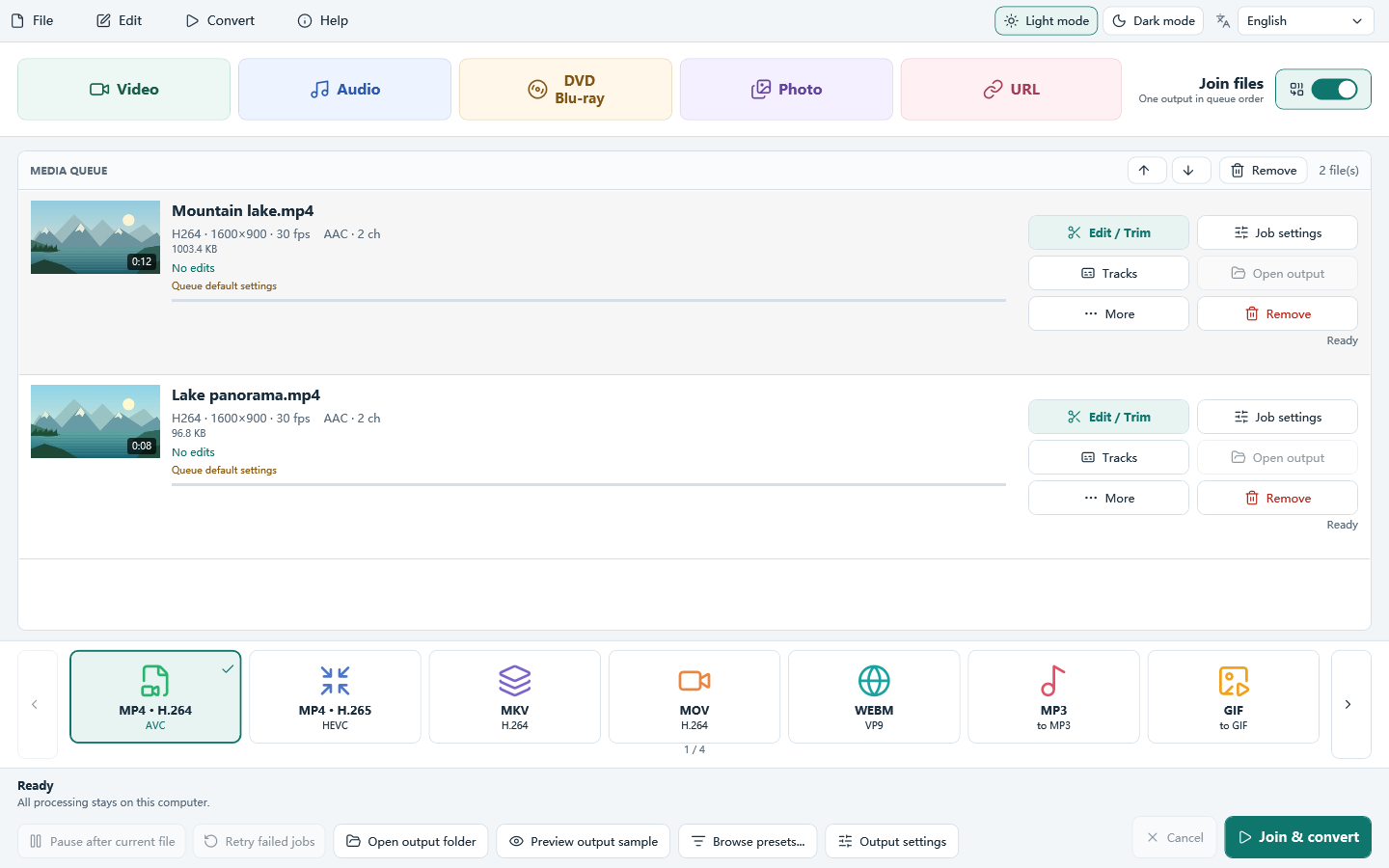
Add each video to the queue. Drag items up or down so they play in the order you want.
Join the queue
Use Join files. The program can match different frame sizes. A lossless join is used only when the streams already match.
Download All Free Video Converter
How to use Free Video Joiner