All Free Video Converter

How to use Free ISO Ripper

Use All Free Video Converter for this job. Open an unencrypted DVD folder and write an ISO. The program runs on your Windows PC.

  • Free to download and use
  • Works on Windows 11 and 10
  • 77.8 MB setup
  • Version 8.1.0
  • Signed installer
  • Your files stay on this PC
All Free Video Converter on Windows

Do it in 3 steps

The screenshots are from the current program.

Download All Free Video Converter

Disc folders and ISO files are made in All Free Video Converter. It does not remove copy protection.

Main window before adding a video or disc folder

Add the video or an unencrypted disc folder

Add your video files, or an unencrypted VIDEO_TS or BDMV folder. Protected discs are not decrypted.

Files ready to author

Write a DVD or Blu-ray folder or ISO

Choose DVD or Blu-ray. The result can be a folder or an ISO. Windows can burn it when the PC has a disc burner. This is not a tool for burning an arbitrary data ISO.

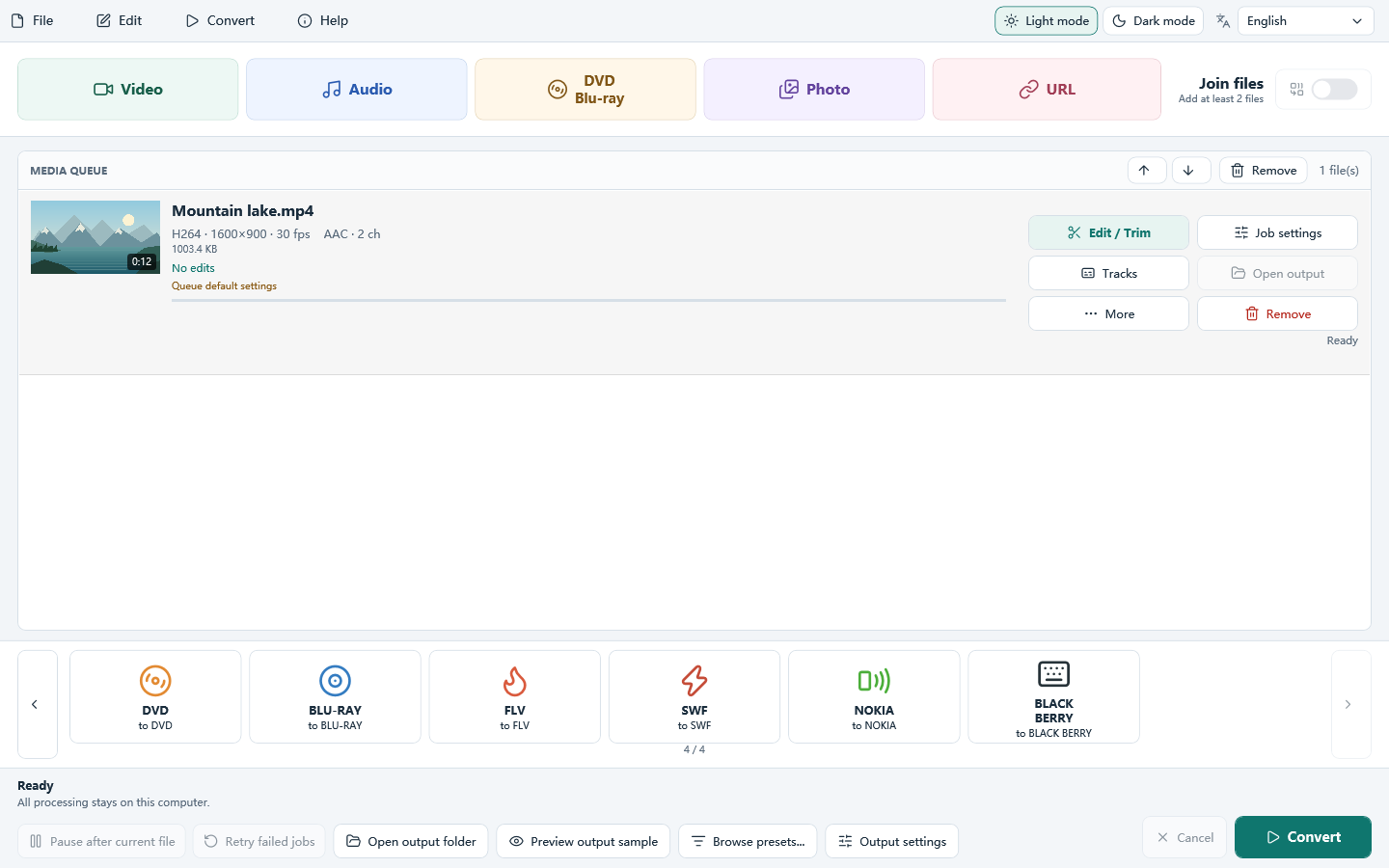
DVD and Blu-ray targets on the format list

Free Download for Windows

Only unencrypted VIDEO_TS and BDMV folders can be opened. The program does not remove copy protection.

Download All Free Video Converter

How to use Free ISO Ripper

Free Download for Windows

Your download is starting…

  1. Open the downloaded file from your Downloads folder.
  2. If Windows asks for permission, click Yes.
  3. Follow the setup steps, then start the program from the Start menu.